




See EaZy-Q®, EaZy-View® and EaZy-Tag® in action
Try a simulated queue, explore genuine screenshots of our dashboards, reports and customer journeys, then book a live demonstration with our team.
Try a queue in your browser
Take tokens at the kiosk, call them from the counters and watch the main display update — the same flow EaZy-Q® runs in a branch.
Simulated demo with representative data. It runs only in your browser and is not connected to a live EaZy-Q® system.
1. Self-service kiosk
Choose a service to print a token.
2. Counter calling
Each counter calls the longest-waiting token for the services it handles.
- Counter 1A · B—
- Counter 2B · C—
- Counter 3A · B · C—
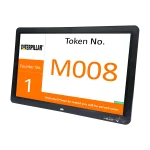
3. Main display
- A · Customer service0
- B · Payments0
- C · New accounts0
Tokens issued: 0 · Served: 0
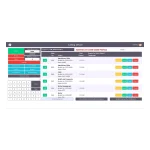
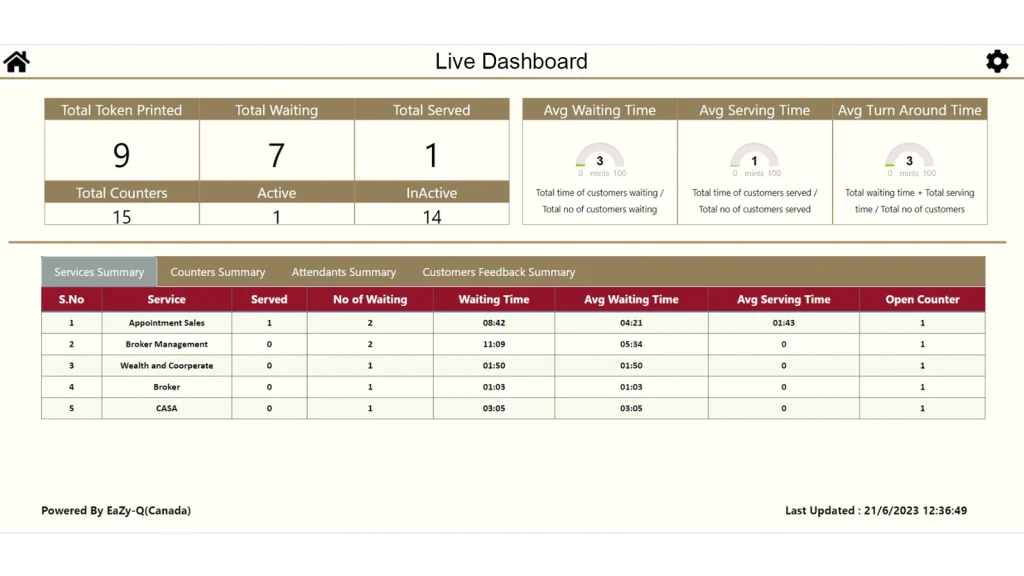
Live dashboards and 50+ reports
Managers see every branch in real time and analyse performance with ready-made reports and Predictive AI forecasts.
- Tokens waiting and being served, by branch and service
- Service-level and waiting-time gauges
- Attendant, counter, service and customer-flow reports
- Forecasts of footfall, staffing needs and service demand
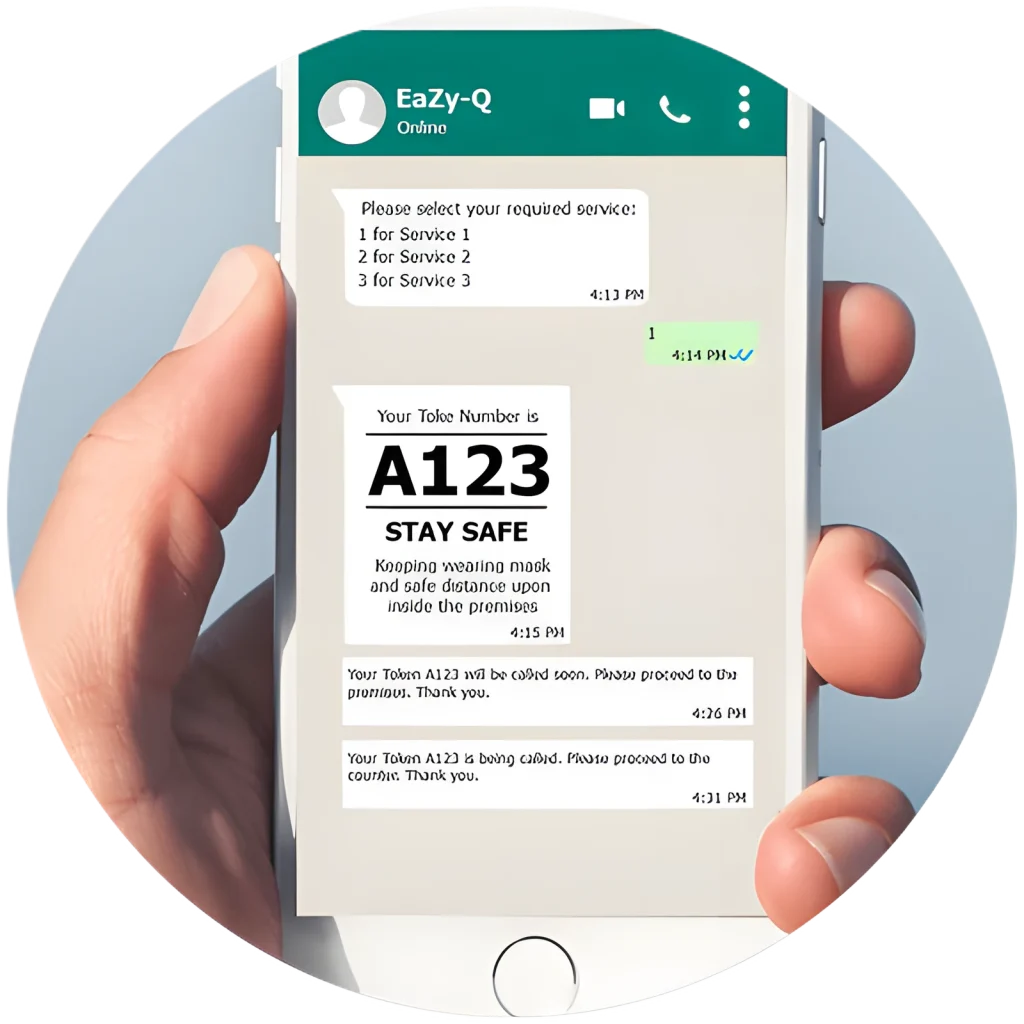
Join the queue from WhatsApp
Customers scan a QR code at the entrance and take a token in a WhatsApp conversation — no app to download.
- Token issued directly on the WhatsApp screen
- Branch status: customers waiting and estimated waiting time
- Notifications and reminders at every stage
- Built-in satisfaction survey after the visit
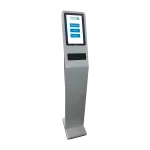
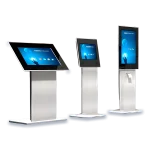
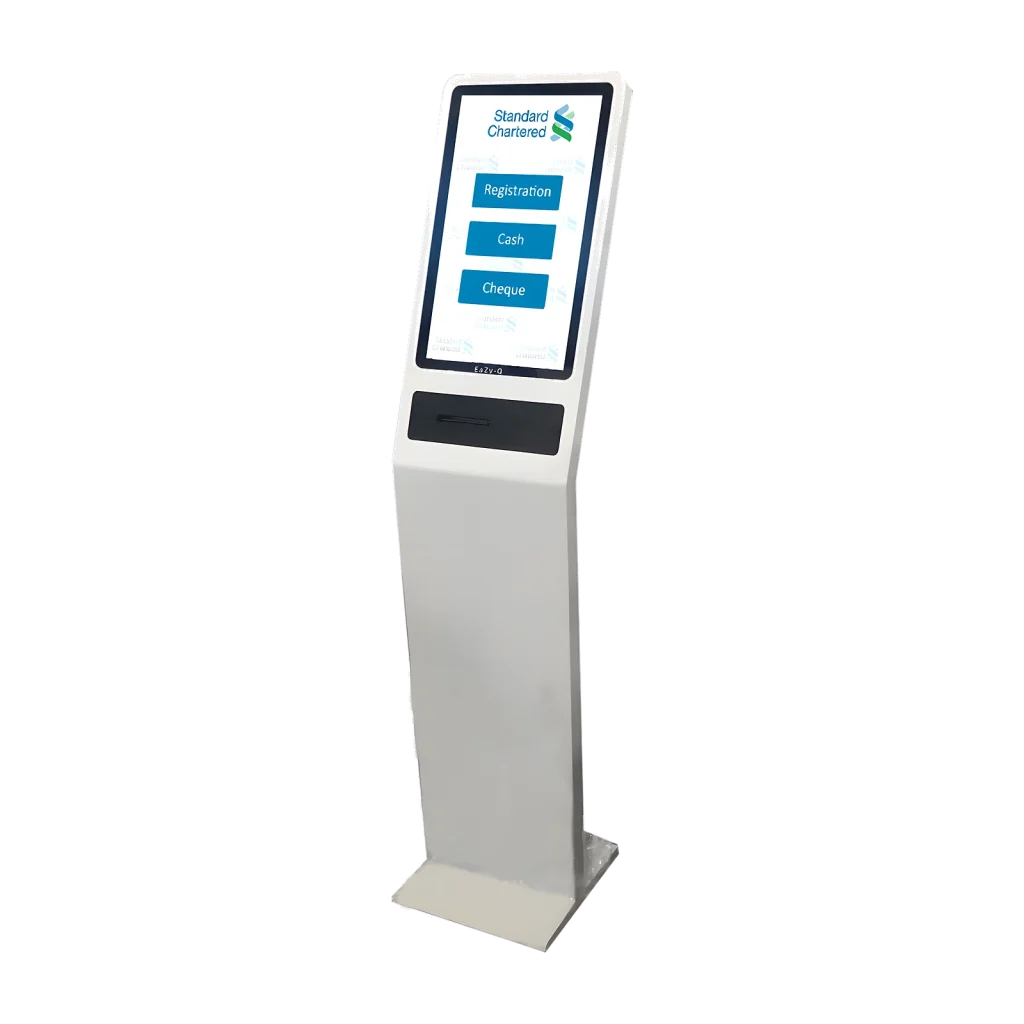
Touch, choose, print
Floor-standing, wall-mount and desktop kiosks guide visitors to the right service in their language and print a token in seconds.
- Multilingual touch interface
- Single or multi-level service menus
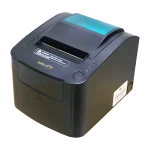
- Customised token designs with text, graphics and QR codes
- Works alongside WhatsApp, mobile and online tokens
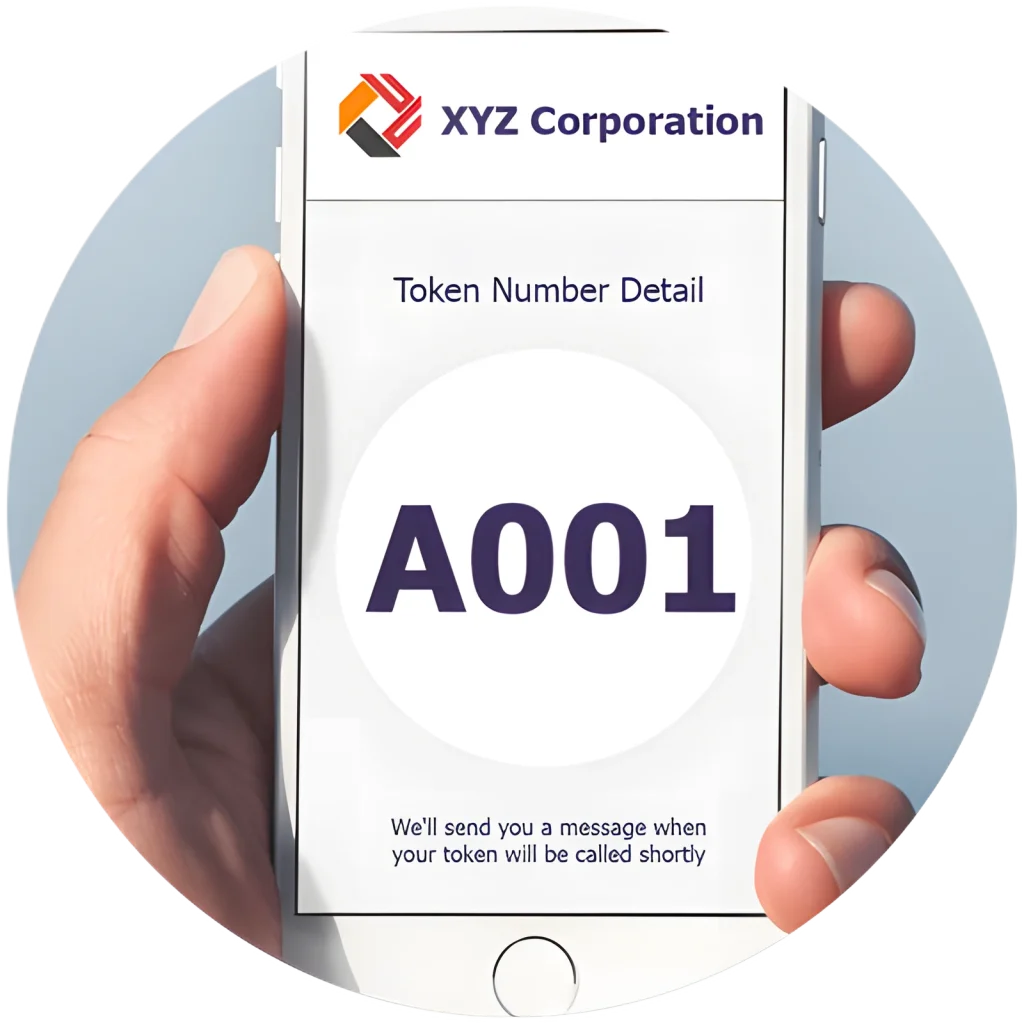
Book online, arrive on time
The EaZy-Q® mobile app and online booking portal let customers book visits, retrieve bookings and follow the queue remotely.
- Online booking and retrieval by reference number
- Dates and times generated from your operating hours
- Branch status and estimated waiting time
- Serving-time notifications
One dashboard for every screen
EaZy-View® publishes layouts, playlists and schedules to single screens, groups and video walls from a web interface.
- Free-form layouts with multiple content zones
- Scheduled playlists and ad-hoc broadcasting
- RSS feeds for news and weather
- SMS and email alerts on device, network or power failure

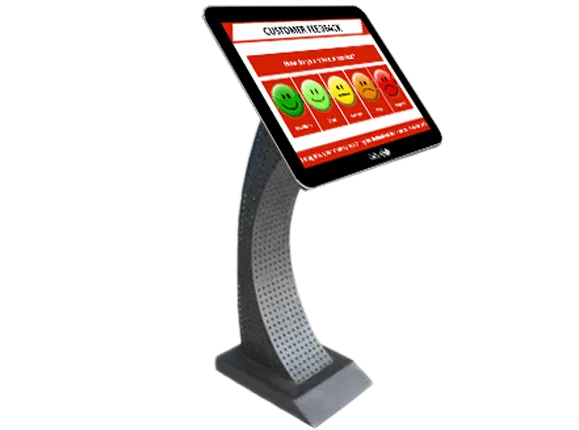
Rate the service at the counter
Feedback screens capture satisfaction at the moment of service and feed live dashboards and alerts.
- Service-level rating screens with ticker
- Linked to the token and attendant
- Instant alerts on unsatisfactory feedback
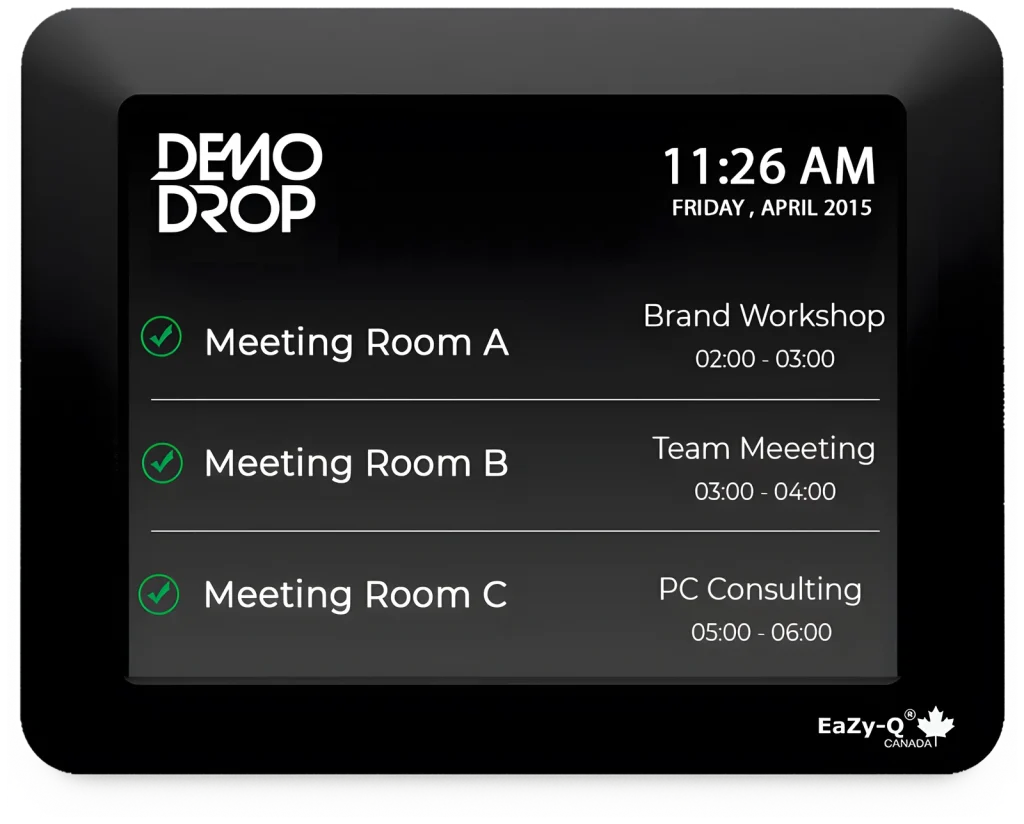
Room status at the door
Door-side displays show live availability and sync with Exchange, Office 365, Outlook and Google calendars.
- Live availability and upcoming meetings
- Custom branding and colours
- Offline-device alerts on the monitoring dashboard
Book a live demonstration
See EaZy-Q®, EaZy-View® or EaZy-Tag® running with your services, branches and branding. Our team will arrange an online or on-site demo.